A local business often needs the same help every week: improve its Google Business Profile, draft location-page content, answer reviews, and turn scattered updates into a usable report. A generic chatbot can produce fluent copy, but it may miss missing business details, blur location differences, invent unsupported claims, or ignore the approval steps that protect a brand.
That's why the best custom GPT for local SEO isn't the tool with the most features. It's the platform that fits the workflow, source material, publishing channel, permissions, and review process already in place. This comparison evaluates ten options against practical local SEO jobs, including Google Business Profile optimization, local content, review replies, multi-location operations, and agency delivery.
Every entry covers the same operating questions: what the platform can do, how difficult it is to configure, where it can be deployed, how to frame a useful prompt, what it does well, where it creates friction, and how to think about cost without relying on unsupported pricing claims. For additional discovery across local search and reputation workflows, AI Tools for Local SEO provides a focused directory of relevant solutions. Teams building broader AI workflows may also benefit from this AI agent SEO guide for 2026.
1. OpenAI ChatGPT GPTs
OpenAI's native GPT builder is the fastest route for a team that already works in ChatGPT and wants a specialized assistant without coding. OpenAI launched GPTs on November 6, 2023, allowing users to create customized versions of ChatGPT, add instructions and knowledge, and share them publicly. OpenAI also announced the GPT Store would open later that month, turning custom assistants into searchable public products. OpenAI's GPT launch announcement explains the original product direction.
For local SEO, build separate roles rather than one broad “SEO expert.” A GBP auditor can inspect approved business details and return missing fields, policy risks, and next actions. A content GPT can turn verified services, areas, and differentiators into a location-page brief. A review assistant can draft replies while refusing to invent customer context.
Setup and prompt direction
Upload approved business information, brand voice guidance, service descriptions, location records, review policies, and examples of acceptable outputs. Tell the GPT to flag missing information instead of guessing, and keep it separate from final publishing.
Practical rule: Use the GPT for analysis and drafting. Keep publication, edits, and sensitive reputation decisions with a human.
A useful prompt direction is: “Turn these verified business details into a Google Business Profile improvement plan. Separate confirmed facts from missing information, identify unsupported claims, and recommend changes without publishing anything.”
The main limitation is distribution. GPTs are primarily used inside ChatGPT rather than as a native website widget, so a public-facing chatbot may need another platform. Model access and capabilities can also change with subscription tiers and product updates. For more context, compare this option with the local SEO AI tools comparison, and review guidance on building a customer support chatbot with the ChatGPT API.
Best fit: Internal teams, freelancers, and agencies prototyping a repeatable assistant quickly.
Website: ChatGPT
2. Microsoft Copilot Studio
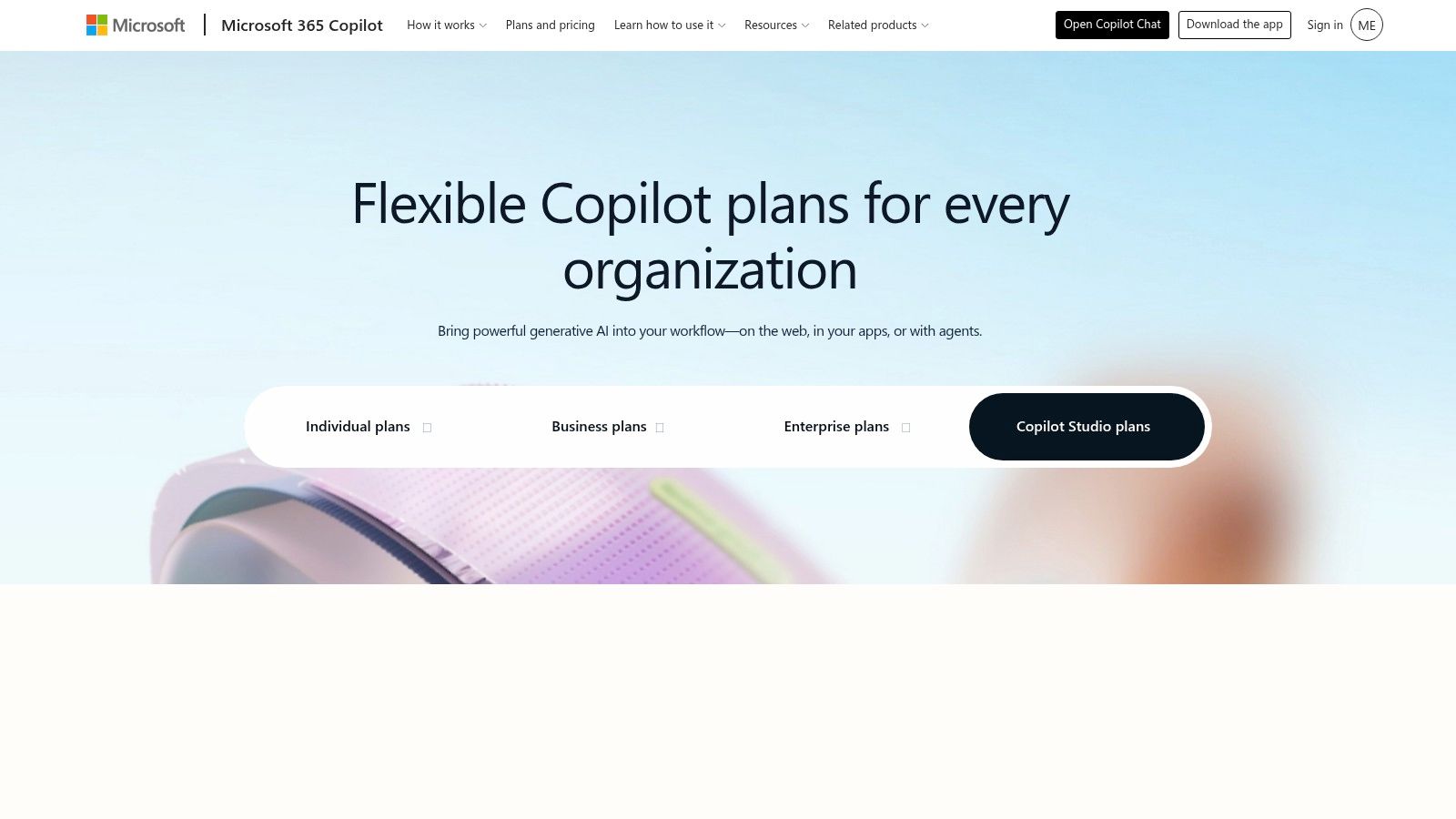
Microsoft Copilot Studio fits organizations that need an agent connected to controlled business systems rather than a standalone writing assistant. Its visual authoring environment supports tool calling, data grounding, connectors, workflow orchestration, and publishing across channels through the Microsoft ecosystem. That combination matters when local SEO sits inside a wider operation involving Microsoft 365, Power Platform, identity controls, or formal approvals.
A multi-location team could use it to retrieve approved address, service, opening-hour, and brand records before drafting content. An agency could route review responses through a policy check, then send sensitive cases to a manager instead of allowing automatic publication. The platform is also useful for reporting handoffs, where an agent prepares structured summaries from approved internal data.
Governance before convenience
Start by mapping the workflow. Define which sources are authoritative, who can access location records, which claims require evidence, and when an agent must stop. Then create escalation paths for legal complaints, privacy issues, threats, medical claims, or any review that needs a human response.
A practical prompt direction is: “Draft a review reply using only the approved brand policy and supplied customer context. Offer a neutral response when facts are missing, and route complaints involving safety, discrimination, refunds, or legal issues for human approval.”
Pricing needs active management. Microsoft presents Copilot Studio through pay-as-you-go and prepaid capacity options, so teams should track credit consumption, connector dependencies, permissions, and billing-model changes through the Copilot Studio pricing information. The trade-off is clear: governance and channel reach are strong, but credit math can be harder to forecast than a simple subscription.
For local marketing teams comparing automation platforms, automation AI assistants for local SEO offers another discovery path.
Best fit: Enterprise and regulated organizations already invested in Microsoft tools.
Website: Microsoft Copilot Studio
3. Google Cloud Vertex AI Agent Builder
Vertex AI Agent Builder is designed for production systems, not quick experiments. It gives Google Cloud teams a managed environment for retrieval-grounded generation, tool use, security controls, evaluation, monitoring, and related MLOps practices. For local SEO, that makes it relevant to organizations managing many locations, large business-data repositories, structured content pipelines, or agency reporting systems.
A production agent might retrieve a location's approved services, attributes, opening hours, and service area, then create a page brief only from those records. Another could validate whether a profile-data export contains the required fields before a team prepares an update. The platform can also support reporting assistants that summarize recurring work while preserving links to underlying records.
Engineering is part of the cost
The hard work sits in data architecture and governance. Engineers need to connect reliable sources, define retrieval boundaries, restrict tools, evaluate answer quality, monitor drift, and decide what happens when records conflict. A well-configured agent should identify unsupported fields instead of filling gaps with plausible local details.
Use a prompt direction such as: “Create a location-page brief only from approved business records. List every missing field, cite the source record internally, and do not infer services, landmarks, neighborhoods, awards, or opening hours.”
The advantage is scale and operational control on Google Cloud. The disadvantage is implementation effort. Runtime, model, storage, and connected cloud services all require a custom cost review, so don't treat a generic model price as the total operating cost. The Vertex AI platform is the right starting point for teams that have cloud engineering support and a production requirement.
Best fit: GCP-based enterprises, data-heavy multi-location brands, and technical agencies.
Website: Google Cloud Vertex AI
4. CustomGPT.ai
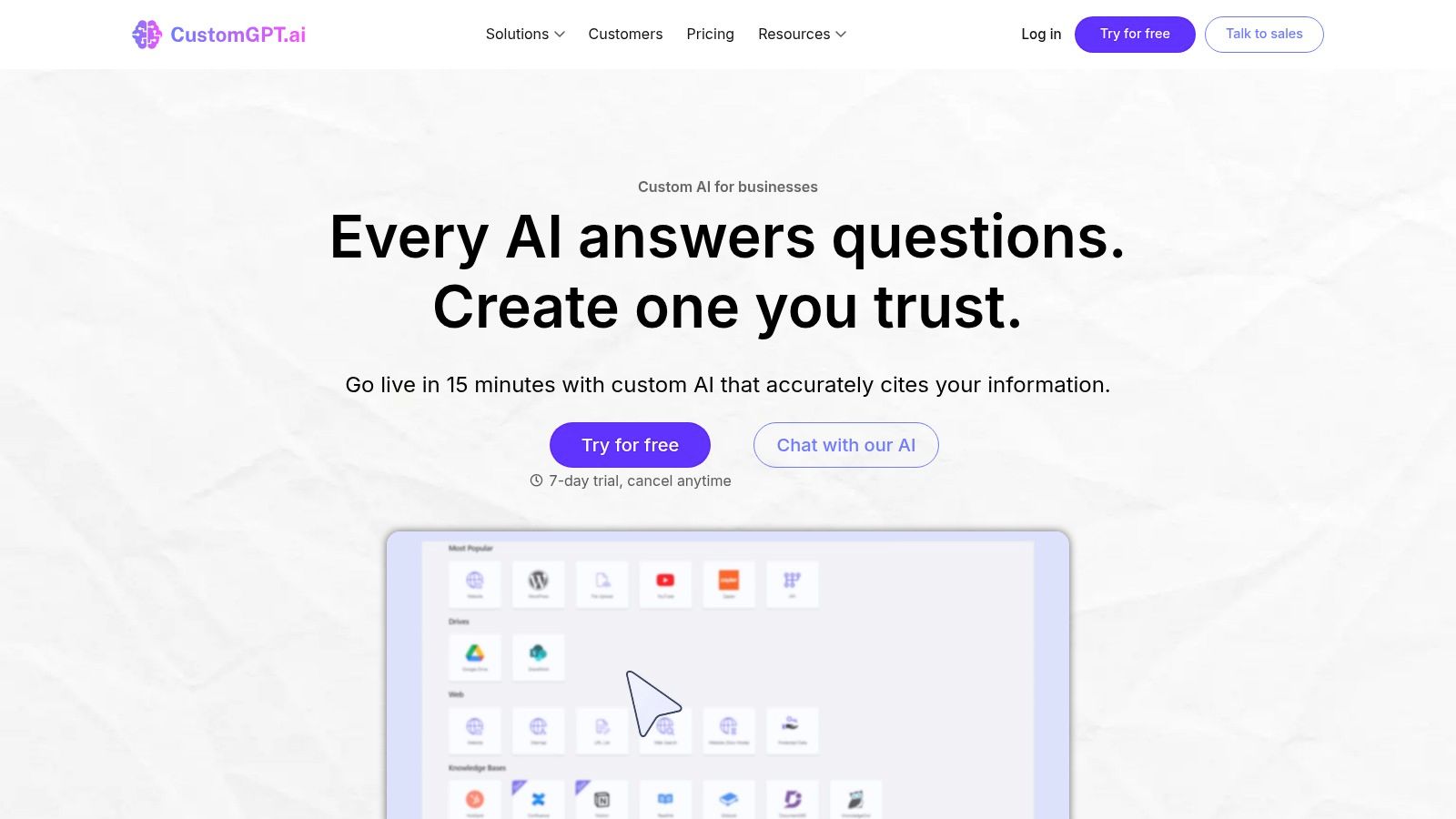
CustomGPT.ai takes a content-first approach. Teams can train a branded chatbot on websites, files, text, and FAQs, then deploy it through an embedded widget or API. That makes it useful for a local business that wants visitors to ask about services, coverage areas, eligibility, or common preparation questions using the business's existing materials.
The platform can also support internal local SEO work. A marketer might ask it to retrieve approved service information while preparing a location page, or use it to answer questions about an outdated FAQ. The quality depends heavily on source curation. Separate location information where possible, remove superseded documents, verify what the ingestion process captured, and create an explicit escalation rule for uncertain answers.
A good site chatbot knows when to stop
Prompt it with a narrow instruction: “Draft a local service FAQ from the supplied documents. Mark every missing detail, don't promise availability, and direct the visitor to the approved contact path when the source material doesn't answer the question.”
That guardrail matters for hours, service areas, pricing, guarantees, and appointment availability. A fluent answer can still be operationally wrong if the source files are old.
CustomGPT.ai supplies a free trial and enterprise options, while high-volume pricing and scale suitability need confirmation with the vendor. The trade-off is speed. It's faster to turn existing content into a site chatbot than to build a retrieval system from scratch, but larger deployments may require closer review of plan limits and costs. Teams creating local content can also consult AI content creation guidance for local SEO.
Best fit: SMBs and marketing teams that want a branded, embedded knowledge chatbot quickly.
Website: CustomGPT.ai
5. Poe Creator Platform
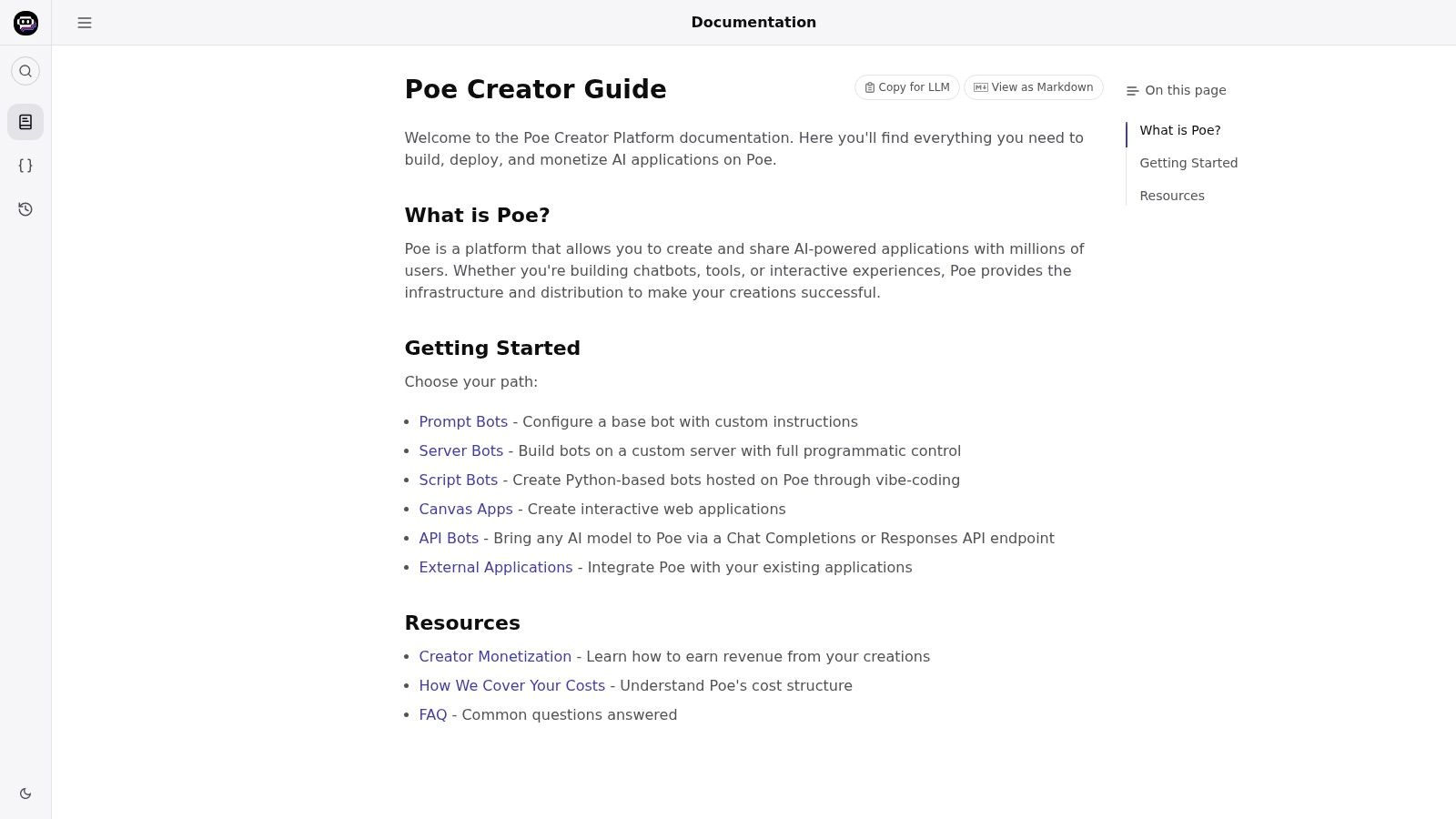
Poe's Creator Platform is primarily a distribution option. Creators can build public bots through prompts, APIs, or server backends, then make them available through Poe's consumer-facing apps. That's a different proposition from an internal agency assistant or a controlled enterprise workflow.
A local SEO practitioner could publish a public review-response coach, a GBP description helper, or a lead magnet for small business owners. The bot might offer several tones for a reply, explain which information is missing, and teach users how to prepare a better prompt. It's less suitable for confidential client records unless the data flow and privacy controls have been carefully reviewed.
Design for public use
A useful prompt direction is: “Create three review-reply options in distinct tones using only the facts provided. Don't invent the customer's situation, staff actions, discounts, outcomes, or business policies. Explain what information is missing before drafting.”
Public bots need stronger constraints because users arrive with inconsistent inputs and may misunderstand what the assistant can verify. Test responses in Poe's actual end-user experience, not only in a private development environment. If the bot uses an API or server backend, secure the endpoint and avoid sending sensitive client information unnecessarily.
Poe supports creator monetization through per-message or variable pricing. That creates an opportunity for niche assistants, but revenue and usage depend on Poe's consumer experience and subscription model. Heavy-use economics can be sensitive, so review current terms and model access before treating monetization as a dependable business line.
Best fit: Public assistants, educational tools, lead magnets, and niche creator products.
Website: Poe Creator Platform
6. Botpress
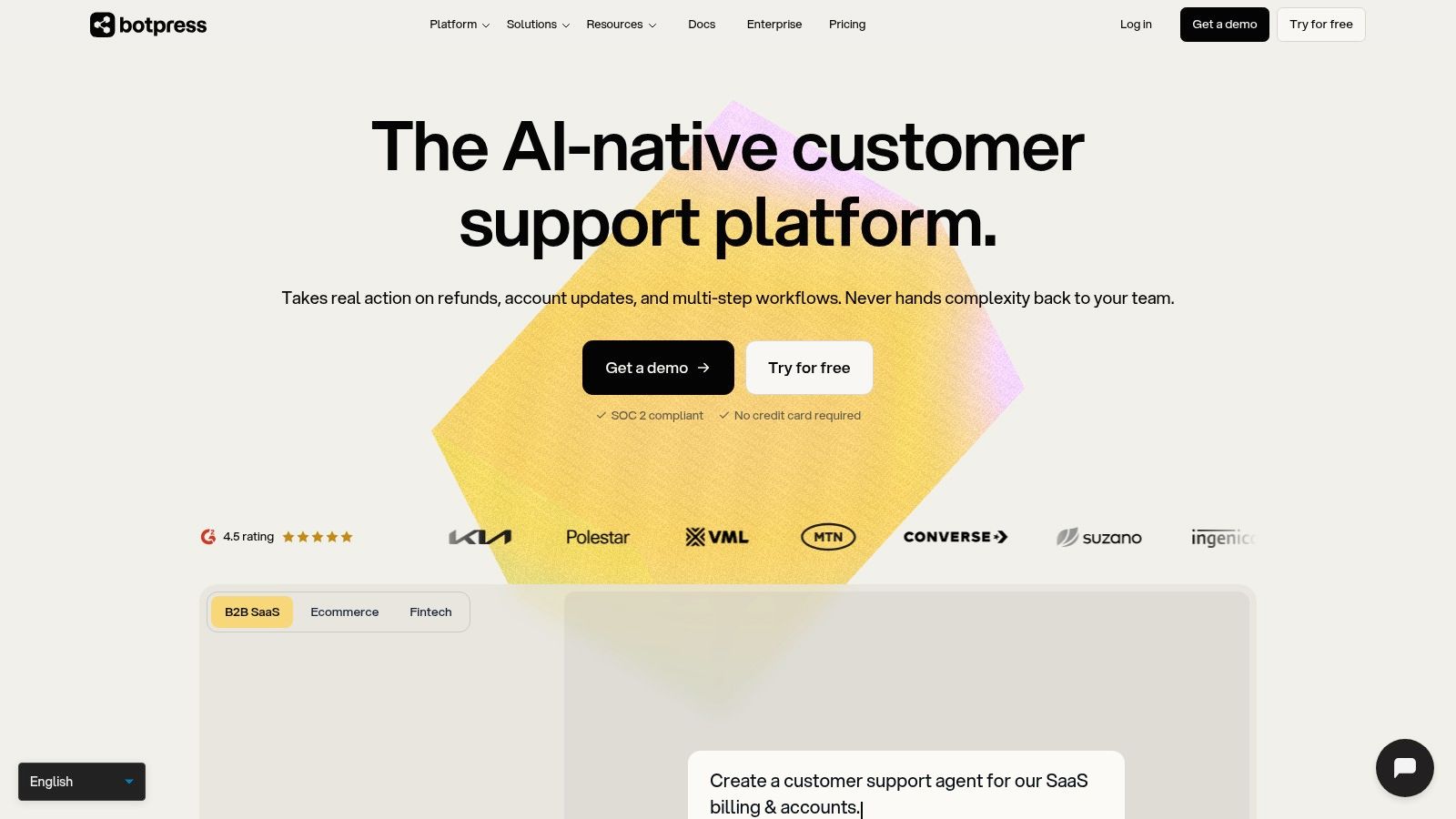
Botpress is strongest when a local SEO workflow needs conversation paths, integrations, fallbacks, and a real production chatbot rather than a prompt-only assistant. Its visual builder supports intents, flows, tool calls, connectors, analytics, and channel deployment. That makes it a practical choice for local lead intake, service-area questions, review escalation, and website assistance.
A lead-intake flow can ask for the service needed, location, preferred contact method, and urgency, then route uncertain or high-risk requests to a person. A business can also create a service-area assistant that answers only from approved records and gives the visitor a clear handoff when the requested area isn't documented.
Model the workflow, not just the answer
Design conversation paths before writing prompts. Define what the bot asks, what it already knows, what it must never promise, and how it recovers after an unclear response. Test incomplete addresses, unusual service requests, frustrated visitors, and questions that combine several locations.
Use a prompt direction like: “Qualify a local service inquiry by collecting only the necessary details. Answer from approved business data, state uncertainty clearly, and route the conversation to a human when the request falls outside the documented service area.”
Botpress says usage billing passes through underlying model token costs without AI token markup. That doesn't make the system free. Teams still need to forecast the platform subscription, metered AI usage, integrations, hosting choices, and traffic patterns. The Botpress platform is attractive for production workflows, but advanced integrations may require technical setup and ongoing operational ownership.
Best fit: Businesses and agencies building website or omnichannel workflows with handoffs.
Website: Botpress
7. Voiceflow
Voiceflow is built for teams that need careful conversation design across chat and voice. Its collaborative workspaces, prototyping tools, testing, analytics, and deployment options make it relevant to agencies and larger local brands building call-intake or appointment-triage experiences.
Local SEO teams can use it to design a voice-enabled service-area assistant, a call flow that captures location and service intent, or a chat experience that handles appointment questions before transferring the conversation. It also supports agency collaboration because strategists, writers, developers, and clients can review the same conversational design rather than passing isolated prompts through email.
Edge cases deserve their own tests
Map intents first, then document approved answers and recovery paths. Test callers who provide partial locations, ask for undocumented services, change their request midway, or expect the assistant to make a promise it can't verify. The assistant should ask clarifying questions only when they're necessary and escalate unsupported requests.
A useful prompt direction is: “Handle a caller's location and service question using approved business information. Ask only the clarification needed to identify the relevant location, and escalate when the requested service or policy isn't documented.”
Voiceflow uses seats and credits, while public pricing specifics are limited. That means teams should confirm current commercial terms directly and model both collaboration needs and consumption. The Voiceflow platform can be a strong agency choice, but its value depends on whether the project needs designed multi-turn experiences rather than a simpler embedded chatbot.
Best fit: Agencies, call-driven businesses, and teams designing complex voice or chat journeys.
Website: Voiceflow
8. Chatbase
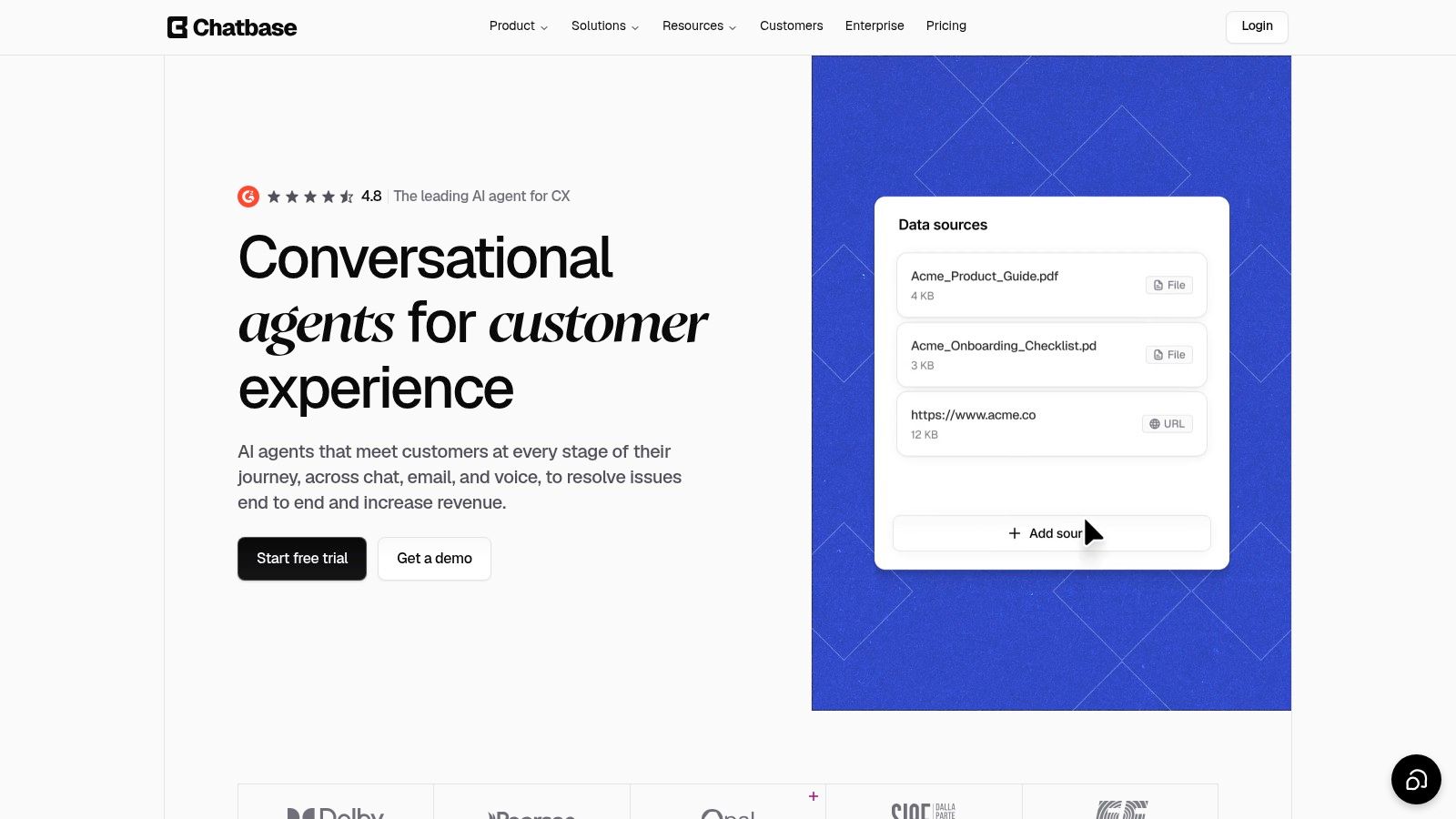
Chatbase is a practical choice for an SMB that wants to put a knowledge-based assistant on a website without a large implementation project. It can use URLs, uploaded files, and custom text, then provide an embeddable chat widget or API. For local SEO, that maps well to service-page questions, local FAQs, lead capture, and visitor support.
The first job is source organization. Separate business information from marketing copy, identify which files apply to which location, remove outdated pages, and test retrieval with questions that expose gaps. Ask about service areas, availability, accessibility, booking requirements, and location-specific differences rather than only easy FAQ prompts.
Treat usage as an operating variable
A prompt direction could be: “Answer the customer's service-area question only from the supplied content. If the area isn't documented, say that you can't verify it and use the approved contact handoff. Don't infer coverage from nearby locations.”
That instruction protects the business from confident but unsupported local claims. Add human escalation for questions involving complaints, refunds, safety, or sensitive personal information. Review message analytics after launch so traffic and usage don't create an unexpected cost problem.
Chatbase uses credit-based usage and plan limits, so pre-launch testing and traffic forecasting are essential. Don't commit based only on the widget experience. Confirm how message limits, connected sources, API access, analytics, and high-volume use work for the selected plan. The Chatbase platform is accessible for non-technical users, but higher traffic can change the economics.
Best fit: SMB websites, support pages, and fast local FAQ deployments.
Website: Chatbase
9. Relevance AI
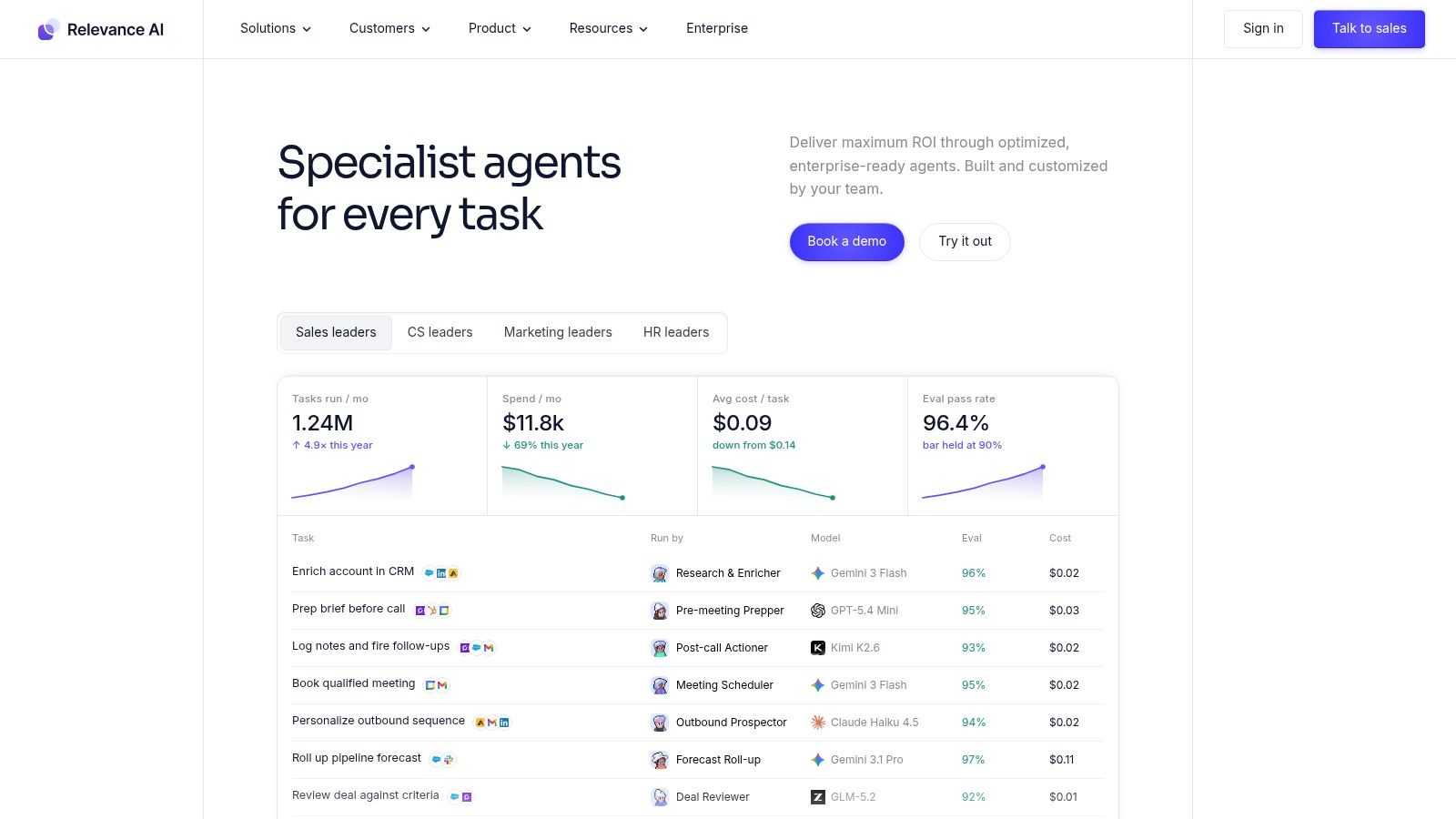
Relevance AI suits agencies that want to turn local SEO work into repeatable agent workflows. Its builder supports actions, knowledge ingestion, evaluation, monitoring, and marketplace or monetization options. That combination is more useful for a packaged service than for a single copywriting assistant.
An agency could create a GBP audit agent that checks an approved checklist, returns evidence and gaps, and creates next actions. Another workflow could generate location-page briefs from structured client intake, prepare review-reply drafts, and run recurring quality checks before a strategist sees the output. The agent should never publish unreviewed claims, even when the surrounding workflow is automated.
Evaluate before you scale
Define the actions the agent can take, the records it can access, and the output format required by the delivery team. Build evaluation cases around missing addresses, conflicting service information, unsupported awards, duplicate location data, and reviews that require escalation. Monitor whether outputs continue to pass those cases as sources, prompts, and models change.
Use a prompt direction such as: “Audit this local business profile against the approved checklist. Return evidence, gaps, confidence notes, and next actions. If a required fact is missing, label it as missing rather than inferring it.”
Evaluation and monitoring support agency quality control and service-level consistency. The trade-off is a layered pricing structure involving subscription and credits, along with platform limits that need confirmation for high-volume work. The Relevance AI platform makes sense when the agency can define a repeatable product, not merely when it wants another general-purpose chatbot.
Best fit: Agencies productizing audits, content briefs, review workflows, and QA services.
Website: Relevance AI
10. FlowiseAI
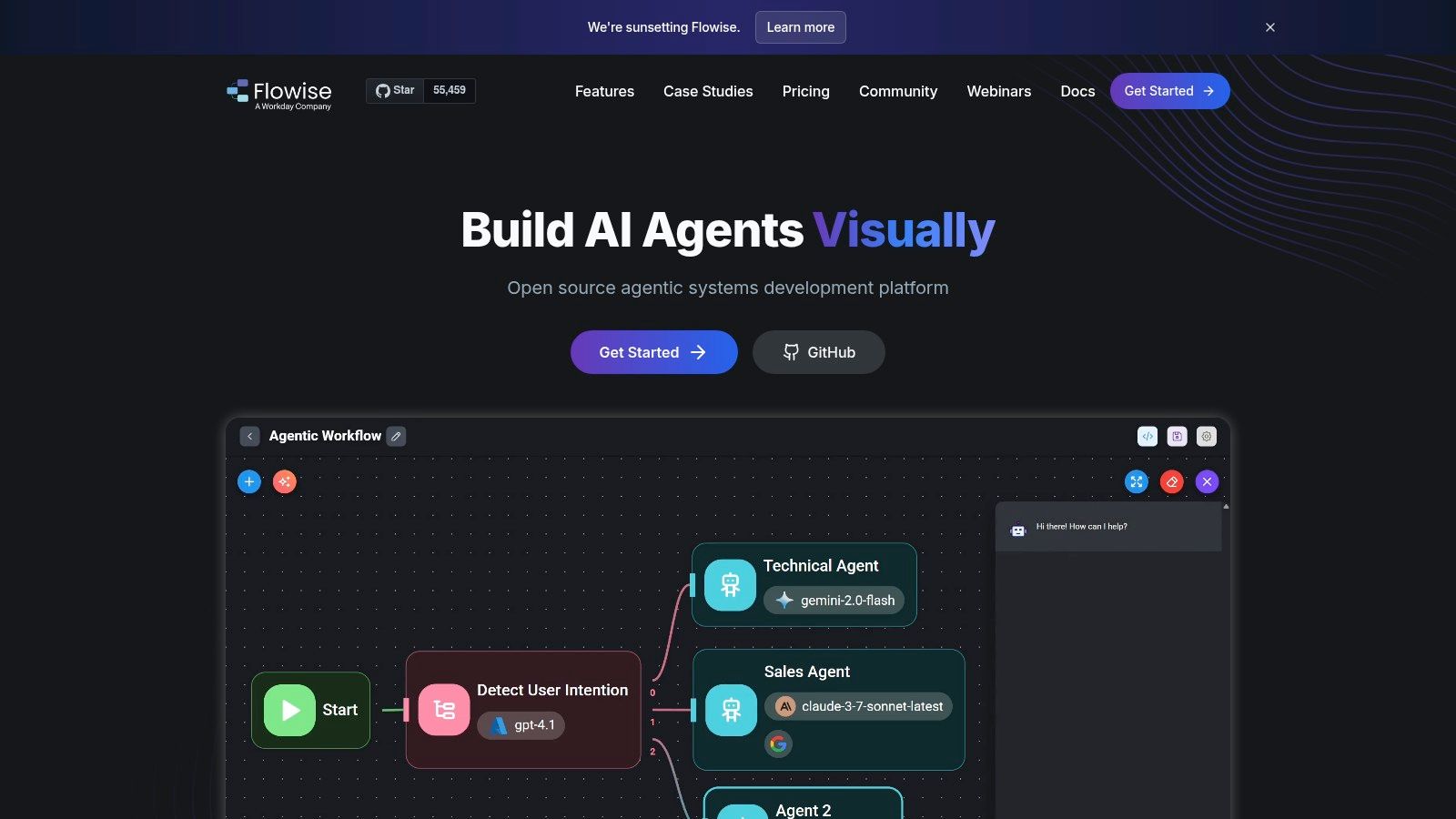
FlowiseAI gives technical teams a visual way to assemble retrieval, tools, and multi-step agent workflows while keeping the option to self-host. It can also be used through Flowise Cloud for managed workspaces and collaboration. The appeal for local SEO is flexibility: a team can connect business records, review data, content retrieval, structured checks, and approval steps without locking every decision into a single model provider.
A self-hosted workflow might retrieve verified facts for a location, generate a page outline, identify missing inputs, and send the draft to an approval queue. Teams can bring their own model providers, control deployment, and make data-residency decisions that may be difficult in a purely hosted assistant.
Choose ownership deliberately
Use a prompt direction like: “Generate a location-page outline from the retrieved business facts. Label every missing input, separate confirmed details from suggestions, and avoid invented neighborhoods, landmarks, services, reviews, or claims.”
Flowise Cloud reduces infrastructure work, while self-hosting increases control and operational responsibility. The self-hosted route requires security, backups, updates, monitoring, model-provider management, and troubleshooting. Managed Cloud public plan details may be limited, so validate the product with the open-source version if that matches your team's skills and risk tolerance.
The FlowiseAI platform is best for teams that value model flexibility and cost transparency more than turnkey simplicity. It can support local SEO pipelines, but the person who builds the workflow also needs a plan for maintaining it.
Best fit: Technical agencies and businesses that need self-hosting, BYOK flexibility, or custom retrieval pipelines.
Website: FlowiseAI
Top 10 Custom GPT Builders: Feature Comparison
| Tool | Best fit (Target audience) | Core features | Value / Unique selling points | Pricing & scalability |
|---|---|---|---|---|
| OpenAI ChatGPT – GPTs (Custom GPT Builder) | Teams already using ChatGPT; non-technical agencies | Conversational GPT builder, knowledge uploads, tool integrations, shareable GPTs | Fast no-/low-code custom assistants inside ChatGPT with workspace governance | Subscription-tier dependent; in-ChatGPT distribution; limited native web widgets |
| Microsoft Copilot Studio | Enterprises and regulated orgs | Visual agent authoring, MS365/connectors, governance, multi-channel publish | Enterprise identity/compliance and Power Platform orchestration | Credits/consumption model (pay-as-you-go/prepaid); billing complexity at scale |
| Google Cloud Vertex AI – Agent Builder | Engineering-led teams on GCP | RAG Agent Engine, tool governance, MLOps, observability | Production-grade scale, monitoring, security for enterprise deployments | Cloud runtime/model/storage costs; requires cloud engineering and cost review |
| CustomGPT.ai | SMBs & marketers wanting site chatbots | Multi-source ingestion (web/docs), branded embeds, API, lead capture | Fast path from existing content to working site chatbot; clear onboarding/free trial | Free trial and enterprise tiers; verify high-volume pricing for scale |
| Poe Creator Platform (Quora Poe) | Creators and public-facing assistant builders | API/server-backed bots, prompt-based bots, per-message monetization, Poe distribution | Built-in consumer distribution and monetization for niche assistants | Per-message pricing tied to Poe subscription; monetization and UX depend on Poe |
| Botpress | Teams building production chatbots & workflows | Visual flow builder, many connectors, analytics, pass-through model token billing | Mature feature set for complex workflows; transparent token cost pass-through | Platform subscription + metered AI spend; needs forecasting for total cost |
| Voiceflow | Agencies and teams designing chat & voice experiences | Collaborative conversation design, testing, multi-channel deployment, analytics | Excellent for complex multi-turn voice/chat design and team collaboration | Seat + credit model; many commercial details via sales |
| Chatbase | SMBs that need quick site-embedded assistants | Train on URLs/files/text, embed widgets, analytics, lead capture, credit system | Fast, accessible deployment for marketing/support with minimal tech | Credit-based plans and message limits; monitor usage as traffic grows |
| Relevance AI | Agencies packaging repeatable assistants | Agent builder, actions, evaluation/QA, monitoring, marketplace monetization | Strong evaluation/QA and marketplace features for productizing assistants | Layered subscription + credits; validate platform limits for high volume |
| FlowiseAI (Cloud & Open-Source) | Teams wanting self-hosting or BYOM flexibility | Visual node-based builder, self-host OSS + managed cloud, connect preferred LLMs | Open-source flexibility, self-host cost control, BYOK deployments | Self-host ops costs or Flowise Cloud (public pricing limited); operational overhead for self-hosting |
Choose the GPT You Can Govern
The best custom GPT for local SEO is the one your team can operate safely and consistently. A polished demo matters less than whether the assistant uses approved business facts, respects location boundaries, handles missing information, and fits the publishing process.
Start with workflow fit. Choose one real task, such as a GBP audit, a location-page brief, or a review-reply workflow. Define the required inputs, the acceptable output, the prohibited claims, and the human approval point before selecting a platform. A narrow workflow exposes useful differences quickly. ChatGPT GPTs are strong for rapid internal prototyping. Microsoft Copilot Studio and Vertex AI are better suited to governed enterprise environments. CustomGPT.ai and Chatbase prioritize fast website deployment. Botpress and Voiceflow fit designed conversational journeys. Relevance AI supports agency productization, while FlowiseAI offers technical flexibility and self-hosting control.
Then assess the operating details:
- Source quality: Can the platform retrieve current, location-specific business facts, or will staff repeatedly paste context?
- Deployment channel: Does the assistant live inside ChatGPT, on a website, in a voice flow, across business applications, or in a custom environment?
- Integrations: Can it connect to the records, forms, reporting systems, and approval tools your team already uses?
- Permissions: Can you restrict access to client data, location records, and publishing actions?
- Human review: Does the workflow stop before a person checks factual accuracy, brand voice, policy risk, and customer sensitivity?
- Testing: Can you create test cases for missing fields, conflicting records, unsupported services, and unusual reviews?
- Monitoring: Can you see adoption, usage, failed evaluations, source freshness, and workflow drift?
- Privacy: Do the deployment and data controls match the information you plan to provide?
- Model flexibility: Can you change models when capability, availability, or commercial terms change?
- Total usage cost: Have you included subscriptions, credits, model consumption, connectors, hosting, maintenance, and staff review time?
OpenAI's workspace analytics show why creation volume is a weak success measure. Teams can monitor total GPTs, GPTs created during the current month, active GPTs, total messages, and per-GPT user reach, with CSV exports available for weekly or monthly analysis through OpenAI's workspace analytics documentation. Use those signals to retire assistants that create maintenance work without meaningful adoption.
Global localization also deserves attention. OpenAI's usage research says adoption growth in the lowest-income countries was over four times faster than in the highest-income countries by May 2025, which supports a practical focus on simple workflows, multilingual prompts, and low-bandwidth usability rather than assuming a U.S.-only operating model. OpenAI's global usage research provides that context.
Document approved business facts and prohibited claims first. Create a small test set of local SEO prompts, compare outputs across two or three platforms, and record both quality and operating effort. Continue evaluating relevant options through AI Tools for Local SEO, then keep factual, brand, privacy, and policy review in place before any AI-generated local content or reputation response reaches publication.
If you're choosing a platform this week, select one workflow, gather its approved source records, write five realistic test prompts, and run the same test across your shortlisted tools. Use the results to choose the assistant your team can govern, not merely the one that produces the most impressive first draft.