A popular recommendation is to search your own keyword in Google and record the position. That approach answers only one narrow question, and often answers it unreliably. A useful keyword ranking checker must reflect where the search happens, which device is used, whether visibility comes from organic results or Google Maps and the Local Pack, and how competitors appear in the same local environment.
Modern rank tracking has moved beyond isolated snapshots. Historical archives now support comparisons across algorithm changes, competitor movement, and page-level visibility trends. One historical tracker has operated its Keyword Tracker since 2003, while another SEO dataset provider reports ranking data collected since 2006 and offers up to 18 years of history, as documented in SpyFu's ranking history overview.
The ten options below are assessed by local data depth, SERP feature coverage, update cadence, reporting workflow, scalability, and operating fit. The list includes choices for SMBs, freelancers, agencies, enterprise teams, and multi-location brands. For broader discovery, AI Tools for Local SEO also catalogs solutions across rank tracking, reporting, Google Business Profile optimization, listings, reputation, content, and adjacent local workflows.
1. Tools for Rank Tracking and Reporting
The featured option here isn't a single rank tracker. It's a curated directory category for finding AI-powered rank tracking and reporting tools built around local SEO workflows. That distinction matters for teams that need more than a list of keyword positions. A local business may need visibility checked across service areas, neighborhood-level searches, Google Business Profile results, Maps, and other local SERP features, then translated into a report a client or manager can act on.
The directory is designed to surface tools with capabilities such as geo-granular checks, scheduled dashboards, white-label reporting, alerts, and multi-location management. Depending on the individual platform, that can include neighborhood, ZIP-code, radius, or service-area targeting, along with integrations for Google Analytics, Google Business Profile, citation systems, CRM platforms, and agency reporting stacks. AI functions may include anomaly detection, natural-language summaries, and trend forecasting, but those outputs still need human verification before a major strategic change.
Practical rule: Use AI to prioritize investigation, not to replace validation of the underlying location and ranking data.
Where this directory fits
This category suits agencies and multi-location teams that don't want to evaluate every local SEO platform from scratch. It can also help an SMB identify whether a candidate tool separates Maps visibility from organic rankings, supports the locations it serves, and produces reports that match its internal workflow.
The limitation is important. The directory points users toward relevant tools, but the individual listings must be reviewed for current pricing, update schedules, location depth, integrations, and actual feature availability. AI-generated recommendations aren't infallible, so teams should test a small project before committing a large portfolio.
For a practical explanation of the measurement process, see what rank tracking means in local SEO, then use the directory to compare keyword rank checkers by operating context rather than by feature count alone.
2. Semrush Position Tracking
Semrush Position Tracking is a strong fit when local rank monitoring needs to sit beside broader SEO, paid-search, link, audit, and client-reporting work. Its local targeting reaches country, state, city, and ZIP-code levels, and it can identify SERP features such as the Local Pack. That makes it more useful than a generic national position report for businesses whose visibility changes materially between nearby markets.
The tool also supports desktop and mobile segmentation, competitor tracking, tags, cannibalization analysis, and connections with Google Analytics, Google Search Console, and Looker Studio. Those integrations matter because average position alone doesn't explain whether a ranking change produced impressions, clicks, or business value. Google Search Console exposes query-level clicks, impressions, CTR, and average position, but its practical retention window is 16 months, with daily updates and an approximate two-day lag, as summarized in this guide to Google Search Console data.
Best operating context
Semrush works well for an agency that already uses the platform for site audits, keyword research, competitor intelligence, or PPC analysis. One login can reduce the need to reconcile exports from separate tools, and tags can organize locations, service lines, or client campaigns.
The trade-off is scope. If the only requirement is a small set of recurring local checks, an all-in-one suite may be more platform than the team needs. Users may also see occasional differences when comparing tracker results with individual Google Search Console checks. That isn't automatically an error. Search data can vary by query, device, location, timing, and measurement method, so teams should establish a consistent reporting source instead of treating every discrepancy as a ranking failure.
Semrush is also developing visibility tracking for emerging AI search surfaces through its broader Semrush One offering. Treat that as an additional measurement layer, not a substitute for organic and Local Pack reporting.
Read rank tracker reviews for local SEO workflows before choosing it solely for position monitoring.
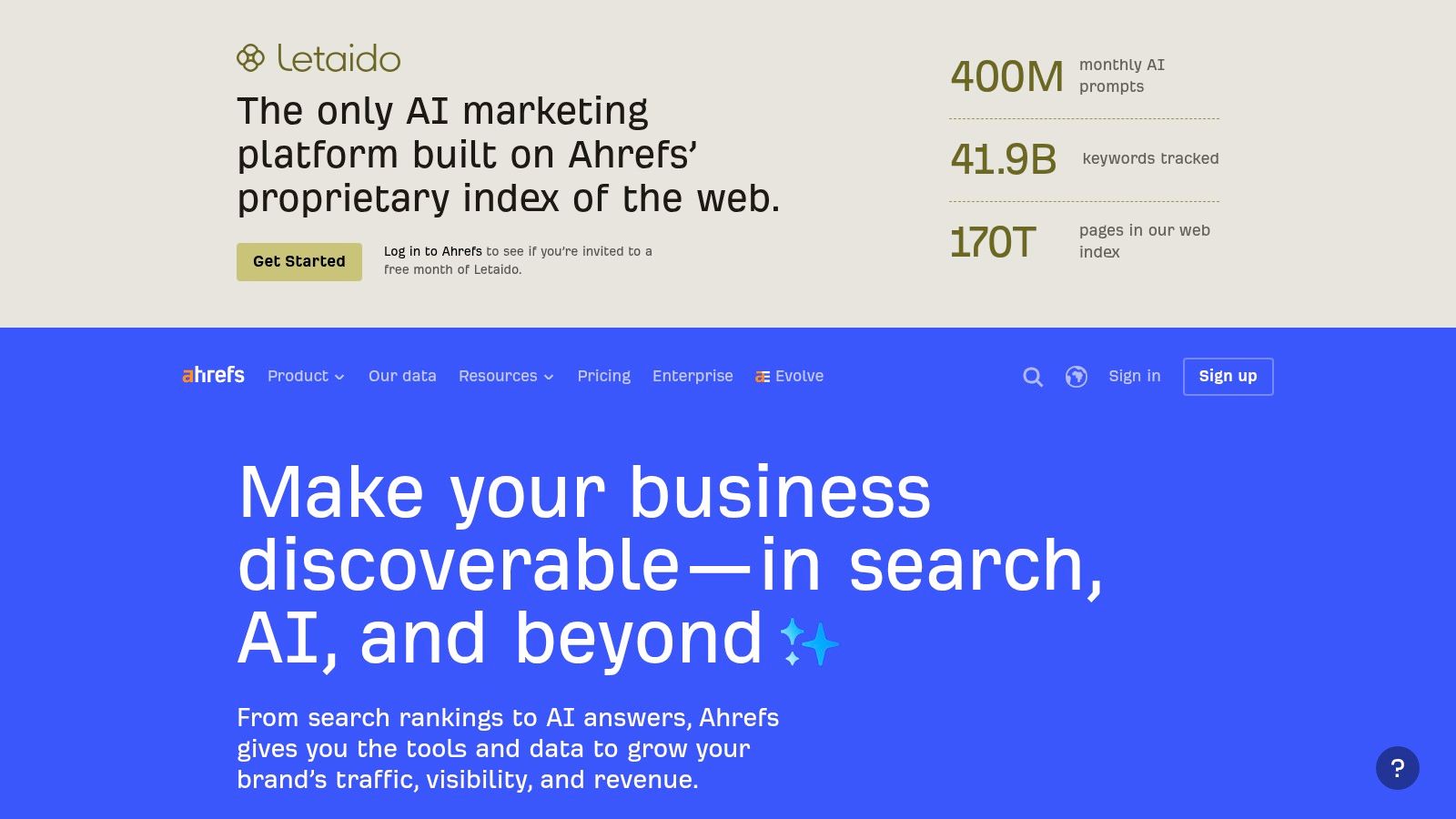
3. Ahrefs Rank Tracker
Ahrefs Rank Tracker is particularly useful when the main question is not just “where are we today?” but “how has visibility changed over time, across locations, devices, pages, and SERP features?” The platform supports tracking across 190+ locations, with desktop and mobile splits, Local Pack visibility, historical charts, Share of Voice, and portfolio views for groups of URLs. Those capabilities make it suitable for comparing branches, service pages, or location-specific content without collapsing everything into one average.
Ahrefs' historical emphasis is a meaningful advantage for local SEO. Long-running rank archives help teams distinguish a temporary fluctuation from a durable change, especially around algorithm updates or competitive shifts. That broader evolution is why a modern keyword ranking checker has become a longitudinal reporting system rather than a manual search replacement. Ahrefs Rank Tracker documents the location scale and the role of historical rank data in this workflow.
Reporting and trade-offs
The tool connects with the wider Ahrefs ecosystem for keyword research, site auditing, and link intelligence. Looker Studio connectors can support recurring dashboards, while view-only client sharing is useful when an agency wants to expose results without handing over full account access.
Ahrefs is a strong choice for teams that need historical context and already depend on its research data. It can be less efficient for a small operator who wants only basic local positions and doesn't need the surrounding SEO system. Pricing tiers may also feel disproportionate when the tracked portfolio is limited.
The key evaluation question is whether the team will use the historical charts, SERP-feature timelines, URL groups, and research integrations. If those features will shape decisions, the broader platform has a clear operational rationale. If not, a dedicated tracker may offer a cleaner fit.
4. AccuRanker
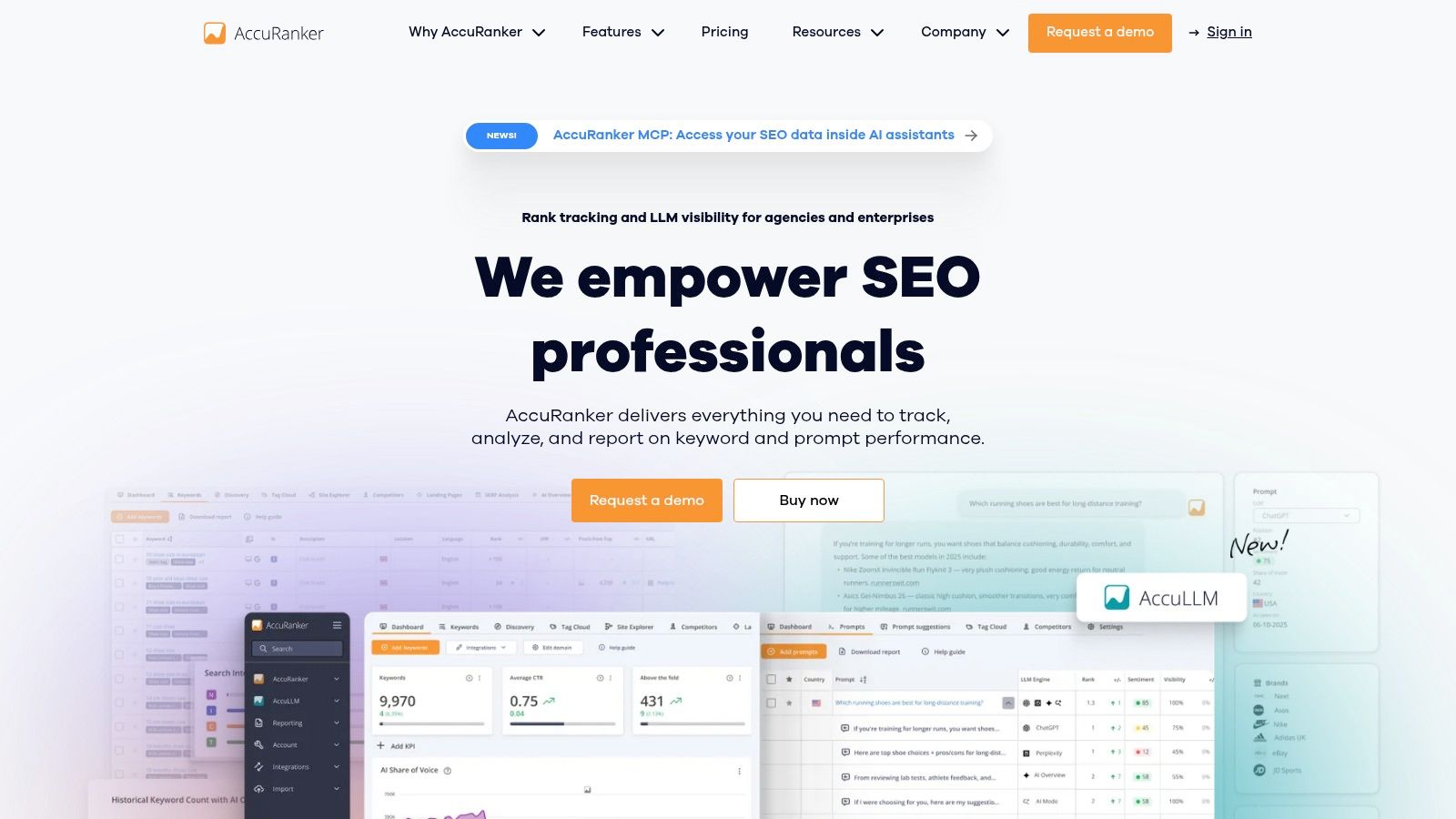
AccuRanker takes a narrower approach. It's a dedicated rank tracker designed for teams that care about refresh speed, location accuracy, scale, and straightforward reporting more than an integrated suite of SEO modules. Agencies can use daily and on-demand refreshes, including multiple checks within a day, when a client needs current evidence after a launch, technical change, or competitive movement.
The platform supports flexible location and device tracking, SERP feature detection, API access, Looker Studio connections, and white-label reporting. That combination is practical for agencies that need to move ranking data into client dashboards rather than ask every account manager to build reports manually. It also gives teams more control over when they refresh data, instead of relying only on a fixed schedule.
Why agencies choose a dedicated tracker
AccuRanker's focused interface can reduce operational noise. A specialist managing many clients may prefer a tool where tracking, segmentation, updates, and exports are the central workflow. The trade-off is cost efficiency. If a business monitors only a small keyword set, a dedicated platform with agency-oriented capabilities may cost more than an entry-level suite.
Local teams should still test the exact locations that matter. A city-level setting may not represent a searcher near a branch, and a single local result doesn't describe visibility throughout a service area. Before scaling, compare the platform's results with a controlled set of searches and record the device, location, keyword, target URL, and SERP type.
Freshness is useful only when the team has a decision attached to the update.
For agencies running larger batches, bulk rank tracking guidance helps frame the operational questions before selecting a refresh model.
5. STAT Search Analytics
STAT Search Analytics is built for organizations that need to process very large keyword portfolios and turn SERP observations into structured reporting or data pipelines. Its strength isn't beginner simplicity. It's the combination of large-scale daily tracking, detailed SERP-feature capture, tagging, Share of Voice analysis, and API access.
That makes STAT appropriate for national brands, enterprise agencies, and multi-location organizations where local search analysis must connect with internal dashboards, business intelligence systems, or data science workflows. A franchise team, for example, may need to segment terms by brand, service, market, branch, and competitor, then deliver standardized visibility data to several stakeholders. STAT's tagging and API model is better aligned with that requirement than a lightweight dashboard designed for occasional checks.
The enterprise trade-off
The platform can be excessive for a freelancer tracking a small group of local clients. Its value increases when the organization needs high-volume collection, repeatable segmentation, and programmatic access. Enterprise pricing is also commonly sales-assisted for larger volumes, so teams should model the full tracking-unit requirement before treating a quoted plan as comparable with a simple keyword allowance.
Local SEO teams should ask whether the platform captures the SERP elements they report. A position without Local Pack or other feature context can understate or misrepresent visibility. STAT's detailed SERP capture is therefore most useful when the reporting question includes not only ranking order, but also the kind of result occupying the search results.
Use STAT when ranking data is part of a broader measurement infrastructure. Don't choose it only because the organization has a large website. Scale matters only if the team can operationalize the resulting data.
6. SE Ranking Rank Tracker and Local Rank Tracker
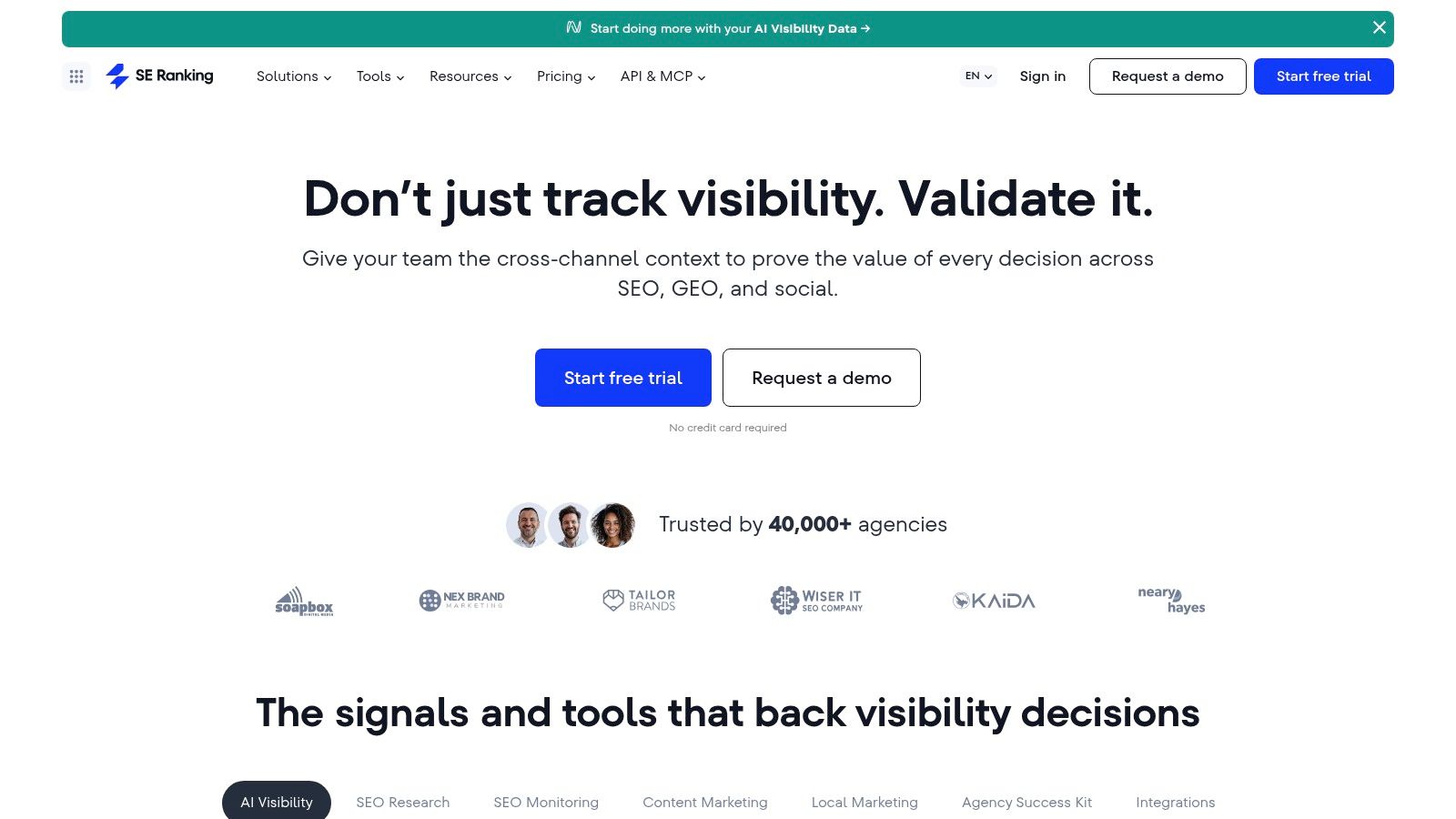
SE Ranking combines all-in-one SEO functions with local tracking for organic results, the Local Pack, and Google Maps. Its multi-point geographic tracking is the important distinction for local teams. A business can compare visibility across several points rather than assume that one city-level result represents every searcher in its market.
The platform also includes competitor tracking, page-change monitoring, site audits, reporting, and API access on higher tiers. This combination suits SMBs and agencies that want local functionality without assembling a separate audit, reporting, and rank-checking stack. Its local workflow is relatively easy to deploy, especially when a team needs to monitor both website rankings and Business Profile visibility.
Evaluate the data, not only the interface
Some users report differences between SE Ranking and other tracking sources. That doesn't make one platform automatically right or wrong. Rank results can differ because tools query different locations, devices, data centers, timestamps, result types, or measurement systems. Google Search Console itself reports average position, not a universal position for every searcher, and that metric should be interpreted alongside impressions and clicks, as explained in Google's Search Console performance documentation.
SE Ranking's plan limits and pricing have changed across 2025 and 2026, so current allowances should be checked before purchase rather than copied from an older comparison. The same discipline applies to Maps coverage, API access, reporting limits, and the number of geographic points supported.
7. Nightwatch
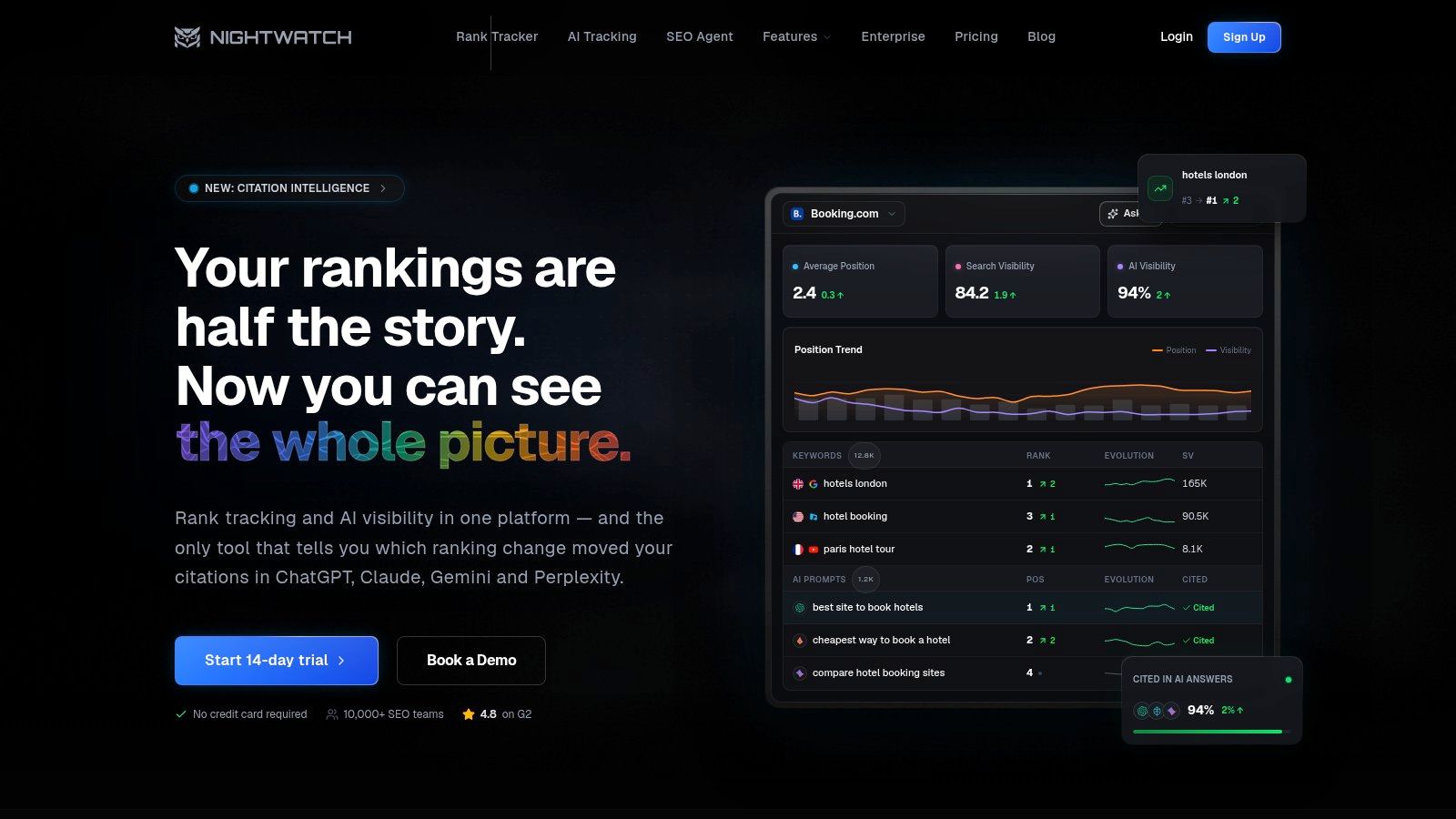
Nightwatch is aimed at local SEOs who need precise geographic monitoring without adopting a broad enterprise suite. Its ZIP-code and city-level tracking, Local Pack and Maps separation, and competitor Google Business Profile monitoring address a common reporting problem: organic rankings and map visibility are different assets, but many basic reports blend them together.
The distinction is operationally useful. A service page may rank organically while the associated Business Profile performs poorly in Maps, or a profile may appear prominently in the Local Pack while the website remains weak for the same intent. Nightwatch lets teams examine those surfaces separately and annotate events that may explain movement.
Local reporting fit
Looker Studio integration and scheduled reporting make the platform suitable for freelancers and agencies that deliver recurring client updates. Its local granularity is also useful for businesses whose visibility changes between ZIP codes or neighborhoods. A single city average can conceal those differences, especially where the service area is broad or competitors cluster around particular locations.
Nightwatch has a narrower scope than platforms such as Semrush, Ahrefs, or SE Ranking. That isn't necessarily a weakness. Teams that already have separate systems for audits, backlinks, and keyword research may prefer a focused tracker rather than pay for duplicate modules. Conversely, a business looking for one platform to manage the whole SEO program may find the surrounding toolkit limited.
The best test is to compare the report structure with the client's actual questions. Can the team show organic visibility, Maps performance, competitor movement, and annotations without manual spreadsheet work? If yes, Nightwatch may be a better operational fit than a larger suite whose local data is harder to extract.
8. ProRankTracker
ProRankTracker is a dedicated platform with a strong agency orientation. Its core workflow covers daily updates, multi-engine, device, and local tracking, while higher agency plans add on-demand refreshes. The platform also offers the MyRanks white-label client portal, Looker Studio connectivity, Google Search Console integration, and API access.
That reporting structure matters when clients need controlled access rather than a recurring PDF alone. An agency can give a client a branded view, maintain internal segmentation, and pull data into a broader dashboard. The term-based billing model also makes the cost logic explicit, although it requires careful calculation because the tracked unit can involve the keyword, URL, and search engine combination.
Who should use it
ProRankTracker suits agencies that manage substantial keyword portfolios and need white-label delivery. It can scale from smaller collections to 10k+ tracked terms, according to the product plan notes, but the relevant question isn't the headline capacity. It's how many keyword, URL, device, location, and engine combinations the agency will maintain.
The interface is pragmatic rather than highly visual. That can be an advantage for operators who value quick exports and predictable workflows, but less appealing to clients who expect polished, interactive visualizations. Teams should also explain the billing model internally before adding duplicate URLs or locations, because apparently small configuration changes can increase the number of tracked combinations.
Use ProRankTracker when client access, reporting controls, and tracking-unit transparency are more important than an all-in-one SEO suite. For a single local business with a compact keyword set, the agency features may be unnecessary.
9. Mangools SERPWatcher
SERPWatcher is the approachable option for freelancers, small teams, and businesses that want a simple rank tracker inside a broader beginner-friendly SEO bundle. It sits alongside KWFinder, SERPChecker, LinkMiner, and SiteProfiler, so users can move from keyword discovery to SERP inspection and rank monitoring without adopting an enterprise workflow.
Its local capabilities include city-level localization, competitor tracking, email alerts, Share of Voice, and a performance index. Those features are enough for a small operator who needs to see whether a focused group of service terms is moving and which competitors are appearing in the same results. Setup is also less demanding than a platform designed for data engineers or large agency portfolios.
The update trade-off
Update cadence is the main limitation. SERPWatcher provides daily updates on its Agency tier, while lower tiers use weekly updates. That schedule may work for a local business reviewing progress as part of a broader monthly or weekly process, but it won't suit a team that needs frequent checks after launches, algorithm volatility, or competitive changes.
Keyword ceilings are also lower than those of agency-grade trackers. That makes the product easier to price and manage for small portfolios, but less suitable when each location needs its own keyword set, device split, competitor group, and historical reporting.
10. Wincher
Wincher focuses on tracking and reporting rather than trying to become an expansive SEO operations platform. Its workflow includes local and competitor tracking, Share of Voice, on-page ideas, automated reports, annotations, and Google Search Console integration. That makes it a sensible choice for freelancers and small agencies that want a clean daily monitoring process without a complicated interface.
The platform's local tracking can help teams compare target markets and competitors, while annotations provide a place to record content launches, technical changes, or campaign milestones. Google Search Console integration adds a useful second layer because ranking position should be interpreted with clicks, impressions, and CTR rather than viewed in isolation.
What it doesn't cover
Wincher has less depth than enterprise platforms. It doesn't provide map-grid heatmaps or advanced enterprise visualizations, so teams that need detailed neighborhood-level Maps analysis may need another tool or a different platform. Its strength is clarity, not maximum SERP complexity.
That trade-off can be positive for a small organization. A simple report that gets reviewed and acted on is more valuable than a complex dashboard nobody maintains. Before selecting Wincher, confirm that its local tracking settings match the business's actual service area and that the reporting output separates organic results from local features in the way stakeholders expect.
Top 10 Keyword Rank Checker Comparison
| Tool | Core features | Local granularity & SERP features | Reporting & Integrations | Best for / Value proposition | Pricing & notable USP |
|---|---|---|---|---|---|
| Tools - Rank Tracking Reporting Ai Tools (category) | Curated directory of AI rank trackers and reporting solutions | Geo‑granular checks (neighborhood/ZIP/radius), Maps/GBP monitoring | White‑label reports, dashboards, GA/GBP/citation integrations (varies by tool) | Local businesses, agencies, multi‑location teams seeking local‑first tools | Varies by tool; highlights AI insights & anomaly detection (verify individual tool pages) |
| Semrush – Position Tracking | Position tracking inside all‑in‑one SEO/marketing suite | Country/state/city/ZIP; Local Pack & SERP‑feature flags | Looker Studio, GA4, GSC; part of Semrush One AI modules | Agencies/teams needing consolidated reporting across SEO/PPC/PR | Higher cost if used only for tracking; USP = broad platform + AI visibility |
| Ahrefs – Rank Tracker | Robust rank tracking with deep historical charts | 190+ locations, device splits, Local Pack history | Looker Studio connectors; integrates with Ahrefs toolkit | SEOs needing historical context and research integration | Can be overkill for simple needs; USP = strong historical & link intelligence |
| AccuRanker | Dedicated, fast rank tracker built for scale | Flexible location/device targeting; SERP feature detection | API, Looker Studio, white‑label reporting | Agencies and enterprises needing frequent, large‑scale refreshes | Premium cost for small keyword sets; USP = speed & reliability at scale |
| STAT Search Analytics (Moz STAT) | Enterprise‑grade large‑scale rank tracking & analytics | Daily tracking for millions of keywords; deep SERP capture | Robust API for data pipelines; share‑of‑voice reporting | Large brands and multi‑location enterprises | Sales‑assisted pricing; USP = built for very large datasets and analytics |
| SE Ranking – Rank Tracker + Local Rank Tracker | All‑in‑one SEO platform with local features | Local Pack & Maps tracking; multi‑point geo checks | Site audits, reporting, API on higher tiers | SMBs and agencies wanting balance of price and features | Flexible pricing; USP = good local features for price |
| Nightwatch | Rank tracker with strong local/GBP focus | ZIP‑code precision; separate GBP/Maps vs organic tracking | Looker Studio, scheduled reporting, annotations | Local SEOs needing hyper‑local monitoring without enterprise rates | Clear pricing, no per‑seat fees; USP = GBP awareness and granularity |
| ProRankTracker | Long‑standing agency‑focused rank tracker | Multi‑engine/device/local tracking; on‑demand updates | White‑label client portal (MyRanks), API, Looker Studio | Agencies needing client portals and scalable tracking | Term‑based pricing (keyword×URL×engine); USP = agency controls & scaling |
| Mangools – SERPWatcher | Lightweight, beginner‑friendly rank tracker (bundled) | City‑level localization; Share of Voice | Email alerts, competitor tracking, bundled tools | Freelancers, small teams, beginners | Good value; lower tiers weekly updates, Agency plan for daily updates |
| Wincher | Streamlined tracker for simple workflows | Local tracking options; competitor tracking | Google Search Console integration; automated reports | Freelancers and small agencies wanting simplicity | Competitive pricing; USP = easy UI, limited enterprise depth |
Choose the Tracker That Matches Your Operating Model
The best keyword ranking checker depends less on the longest feature list than on the way your team makes decisions. Start by defining the locations that matter. A national brand may need country and city comparisons, while a local service business may need ZIP-code, neighborhood, radius, or multi-point monitoring. If the platform can't reproduce the geography where customers search, its ranking history won't answer the business question.
Separate organic results, Maps, and Local Pack visibility before comparing vendors. A tool that reports only organic positions may miss a central part of local discovery. Conversely, a Maps-focused tool may not explain which location page or service page is earning organic visibility. The right platform should let you label these surfaces clearly in dashboards and client reports.
Next, decide how often fresh data is needed. Daily updates may be appropriate for recurring agency reporting or active campaigns. On-demand refreshes are useful when a team needs to inspect a change after a deployment or major event. Weekly monitoring can be adequate for a small business with a stable program. Don't pay for frequent refreshes unless someone has a defined action tied to them.
Competitor monitoring deserves its own requirement. Ask whether you need domain-level competitors, local Business Profile competitors, page-level comparisons, or Share of Voice. These aren't interchangeable. A competitor that outranks a service page organically may not be the same business occupying the Local Pack.
Reporting also changes the shortlist. Freelancers may need clean exports and automated emails. Agencies may require white-label portals, scheduled dashboards, access controls, Looker Studio, and APIs. Enterprise teams may need tagging structures, data pipelines, and large-scale SERP-feature capture. Platforms such as Ahrefs, Semrush, AccuRanker, STAT Search Analytics, SE Ranking, Nightwatch, ProRankTracker, Mangools SERPWatcher, and Wincher solve different combinations of those needs.
Finally, calculate pricing using each platform's tracking-unit model. Count the locations, devices, URLs, search engines, competitors, refreshes, users, and reporting destinations you'll configure. A plan that looks inexpensive per keyword may become less attractive when every location and URL creates another tracked combination.
Validate before migrating. Run a small test set across the locations, devices, target URLs, and SERP types you care about, then compare the output with Search Console and controlled manual checks. Look for consistent patterns, not isolated position differences. When you want to compare more local-focused options across rank tracking, reporting, and adjacent workflows, browse AI Tools for Local SEO and shortlist tools according to your operating model.
Choose two or three platforms that match your location coverage and reporting needs, configure the same test keywords in each, and review the results with your team. Start with the tool that produces the clearest evidence for your actual markets, then expand only after its local accuracy, update cadence, and reporting workflow have been verified.